How Trelinx works

One operating loop from customer request to completed work.

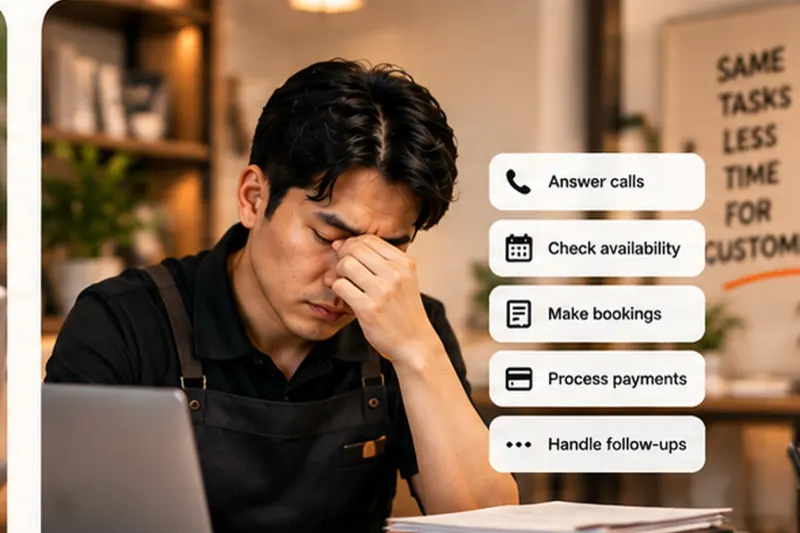
Trelinx listens on calls and WhatsApp, understands the request, uses the systems behind the front desk, completes routine work and brings in a person only when judgement is needed.

Observable outcomesHuman handoff with contextMulti-location by design
One request, one visible outcomeOPERATING VIEW
Customer asks

Call or WhatsApp arrives with natural language.

Received
Trelinx acts

Checks the right branch, booking or system.

In progress
Outcome recorded

Routine work is completed and visible.

Completed

Understand. Answer. Act. Escalate only when needed.

The interface and the automation should reflect the way operations teams already think about customer work.

01

Understand the customer

Trelinx identifies intent, location, prior context and the actual job the customer is trying to get done.

02

Retrieve the facts

Live availability, customer records, policies and branch-specific information come from configured systems and knowledge.

03

Complete the action

Trelinx can book, change, route, send a payment link or update a supported system when the workflow allows it.

04

Hand off judgement

If the request crosses a configured boundary, the person receives the context instead of restarting the conversation.

Use one normal request, then change your mind.

A useful AI front desk should survive correction, not just a clean first prompt.

CLINIC ADMINISTRATIVE TESTLive Trelinx demo · illustrative business data
Try this exact request

“Can I book a health screening this Saturday morning near Bishan?”

Finds the branchChecks availabilityBooks the appointment
Then change something:“Actually, can I move it to next Thursday?”
Call TrelinxNo signup. Test a working demo agent.

The customer side and the operator side should tell the same story.

Every completed action or exception stays visible in the operating record.

Same interaction, operator viewILLUSTRATIVE WORKFLOW STATES

Routine booking

Trelinx finds a suitable slot and creates the booking.

Completed

Customer changes the request

Trelinx preserves the context and updates the existing booking.

Completed

Policy or judgement exception

Trelinx prepares the context and routes the case to the right person.

Human needed

Automation should reduce attention demand, not hide it.

The operating team needs to know what was completed, what changed and what genuinely needs a person.

Command Centre

See completed work and exceptions across locations.

Location context

Keep branch-specific hours, services and rules.

Human control

Define where Trelinx stops and people decide.

Auditability

Keep actions and handoffs visible to the operation.

Give Trelinx one real front-desk job.

The fastest way to understand the product is to ask it to complete something you already handle every day.

Try Trelinx