INTEGRATIONS & ACTIONS

The conversation matters because it can change the system behind it.

Trelinx checks approved data, completes supported actions and hands exceptions to your team.

Singapore data residencyPDPA-aware controlsHuman handoff
The problem

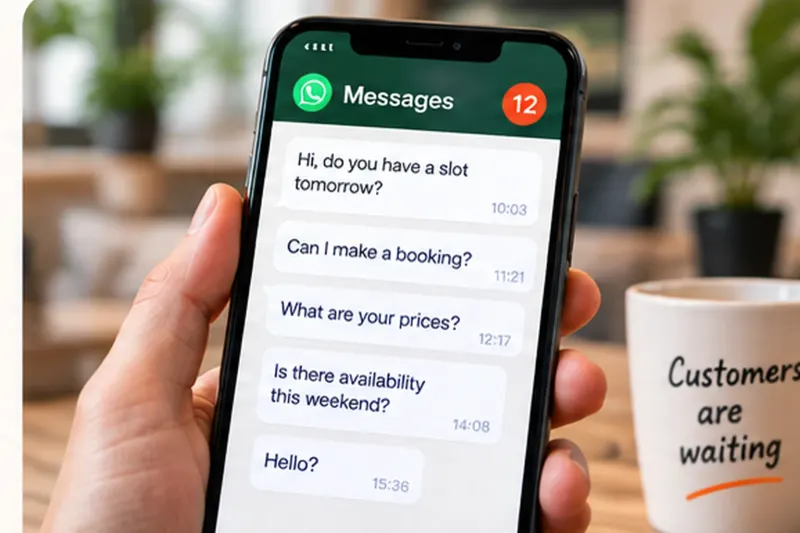
Your front desk can be fully staffed and still be overloaded.

Calls, WhatsApp and walk-ins arrive at the same time. Trelinx handles routine demand so your team can stay with the customer already in front of them.

9:14 PM
The clinic is closed, but a patient needs to move tomorrow’s appointment.
Customer messaging a clinic after hours to reschedule an appointmentCan I change my appointment to next week?

6:43 PM
The receptionist is helping a parent at the counter when another parent calls.
Tuition centre receptionist helping a parent while another parent callsHi, do you have slots for 2 kids today?

Saturday lunch rush
Front-of-house is serving a full restaurant while reservation calls keep coming in.
Restaurant team serving guests during a busy lunch period while calls arriveDo you have a table for 6 tonight?
The issue is not whether you have a receptionist. It is what happens when demand exceeds one person's attention.

HOW TRELINX WORKS

Trelinx handles the routine.
Your team stays in control.

See how Trelinx knows when to act, and when to bring your team in.

Scroll to see how
Step 1 of 6

INTEGRATIONS & ACTIONS

Keep the systems your team already uses.

ONE CUSTOMER REQUEST
“Can I move my booking to Sunday?”

Received by phone or WhatsApp

01
Check your rules

Trelinx follows the connected workflow and approved rules.

02
Update your booking system

Trelinx follows the connected workflow and approved rules.

03
Confirm the next step

The customer gets a clear next step. Exceptions go to your team.

Example workflow. Connections and rules are configured for each business.Discuss your systems →

THE CONTROL BOUNDARY

Act on verified information. Escalate the rest.

Trelinx should only change what the connected workflow allows and your team should be able to see what happened.

TRELINX CAN ACT

When the workflow is clear.

  • Check availability
  • Create or change a booking
  • Send a payment or booking link
  • Update a supported record
YOUR TEAM DECIDES

When the workflow is not clear.

  • Policy exceptions
  • Unusual commercial requests
  • Missing or conflicting information
  • Anything outside configured permissions

The goal is operational completion, not conversation for its own sake.

START SMALL

Start with the workflow, not the software list.

01
PICK ONE

A request your team handles every day.

“Can I move my booking to Sunday?”
02
SET THE RULES

Define what Trelinx may read and change.

03
ADD MORE

Add systems only when the customer task needs them.

Ready to start with one task?
See pricing ↓
BUILT FOR SINGAPORE
✓Singapore data residency
✓PDPA-aware controls
✓Visible actions & audit trail
Trust & Security →

SHOW US THE WORKFLOW

Bring the customer task, not a logo list.

We will map the request, the systems it touches, the allowed actions and the exception path.